Added Palworld, QOL and Fixes - update v0.7.0
- Palworld
- update
This update sees Palworld being added to ThreeG. With tens of thousands of unique guessable locations it becomes the biggest game available on here so far! Palworld's size and diversity in terrain made it a perfect candidate to stress test my approach to capturing panoramic images for various games.
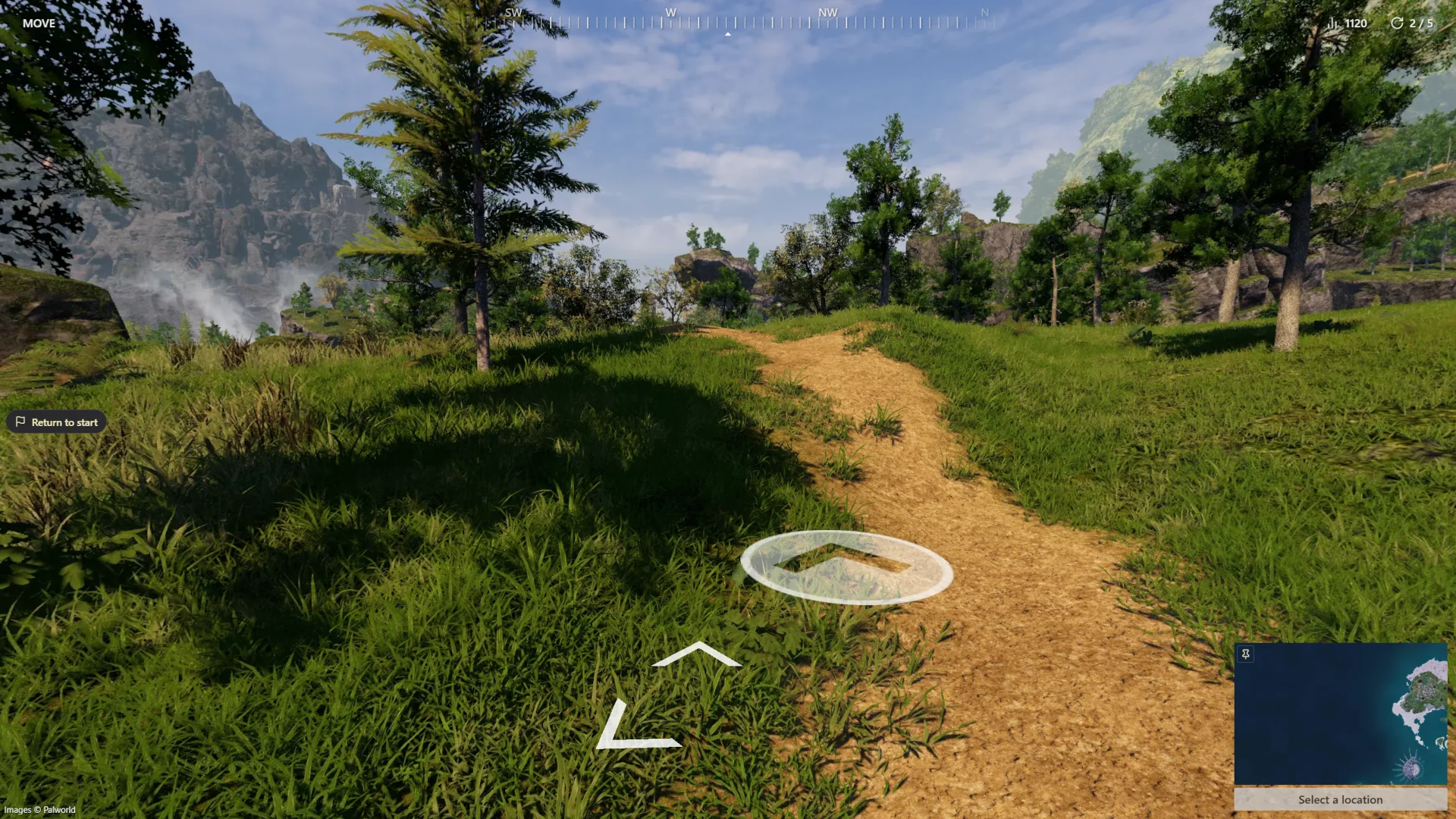
The update also adds some other features such as a compass, a small animation when moving between nodes for clearer feedback about the movement direction (and a smoother feel), new sign in options, etc.
Features and gameplay
- Added Palworld with tens of thousands of unique guessable locations and support for NMPZ, No Move, and Move modes.
- Hogwarts Legacy and Palworld games now display a compass in the UI, all games added in the future will also display a compass.
- Rounds now start with a camera that has a random yaw in all modes, instead of only in NMPZ.
- You can now sign in using Google.
Fixes
- Fixed an issue where the camera would not be randomly oriented when playing NMPZ in multiplayer.
- Fixed an issue where on the last round of a multiplayer game the host could end the game before all participants had made their guess.
- Fixed an issue where pressing space would not start the next round in multiplayer.
- Fixed an issue where during singleplayer games refreshing the page after having placed a pin without confirming your guess in timed modes during the guess overview phase would skip a round.
UI/UX
- Added a brief animation when moving between nodes for a smoother feel and clearer visual feedback about the movement direction.
- Gave the login dialog a new look.
- Updated the map pin icon.
- When clicking a game card on the landing page you'll be taken to a page specific to that game.
- On mobile the map is now hidden behind a button, giving you more screen space until you're ready to guess.
- Added loading indicators to multiplayer.
- The "report issue" button will now only be shown to signed in users.
- Clicking to move when not facing the clicked direction, e.g. when you can only move backwards, will now move you.
- Navigation arrows now have a minimum degree of separation to avoid cluttering.
Other
- The site now has a simple "news & notes" section where you'll find patch notes and news.
- Made some changes to how capture points are generated, ensuring every road junction has a visitable node going forward.